

23 Mar

? How to join our Session channel
1️⃣ Install the Session app first
This invite link only works inside the Session app.
Install the application on your phone or computer before trying to open the link.
2️⃣ Join the community inside the app
- Open the Session app
- Click "Join Community"

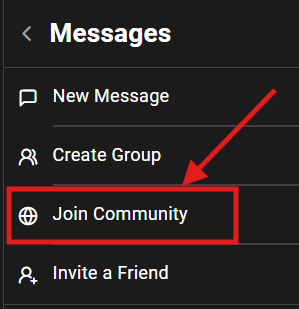
3️⃣ Paste the invite link or scan the QR code
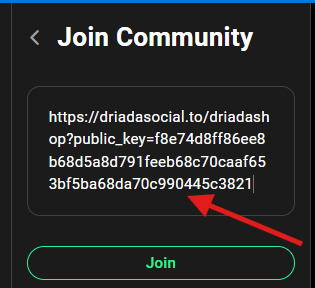
Paste this link inside the Session app:
https://driadasocial.to/driadashop?public_key=f8e74d8ff86ee8b68d5a8d791feeb68c70caaf653bf5ba68da70c990445c3821
OR
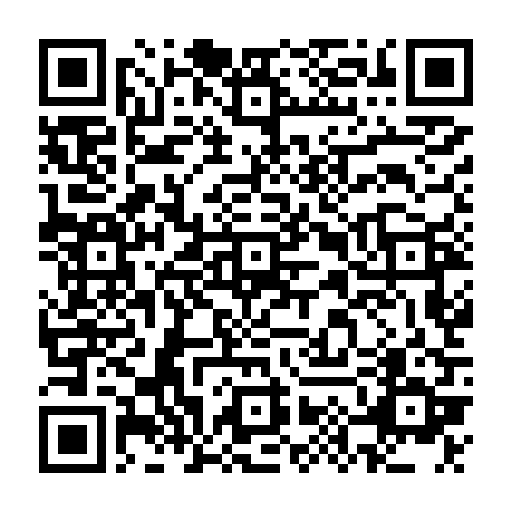
? Scan the QR code shown below.
✨ Why join?
☑ No email or phone number required for registration
☑ 100% encrypted and secure communication